

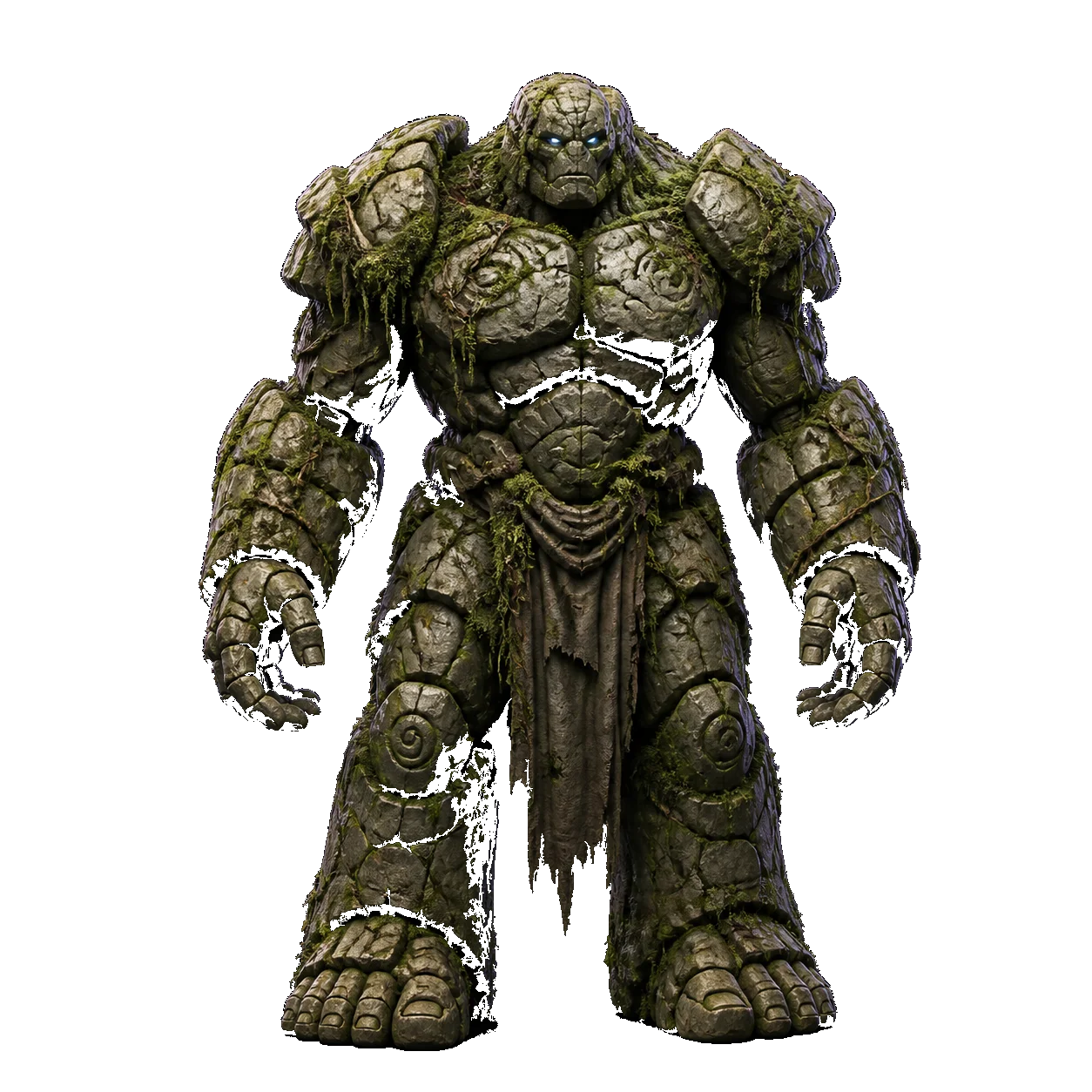
 PromptMoss-covered stone golem,…
Text to 3D
Describe it in a sentence; get a mesh you can rotate, download and print. Try now



3D AI Studio is a free AI 3D model generator — type a prompt or drop in an image, and download a ready-to-use .glb. No signup, no credits, no watermark.
PromptMoss-covered stone golem,…Describe it in a sentence; get a mesh you can rotate, download and print. Try now

Turn one photo, sketch or render into a full 3D model — no multi-view rig needed. Try now
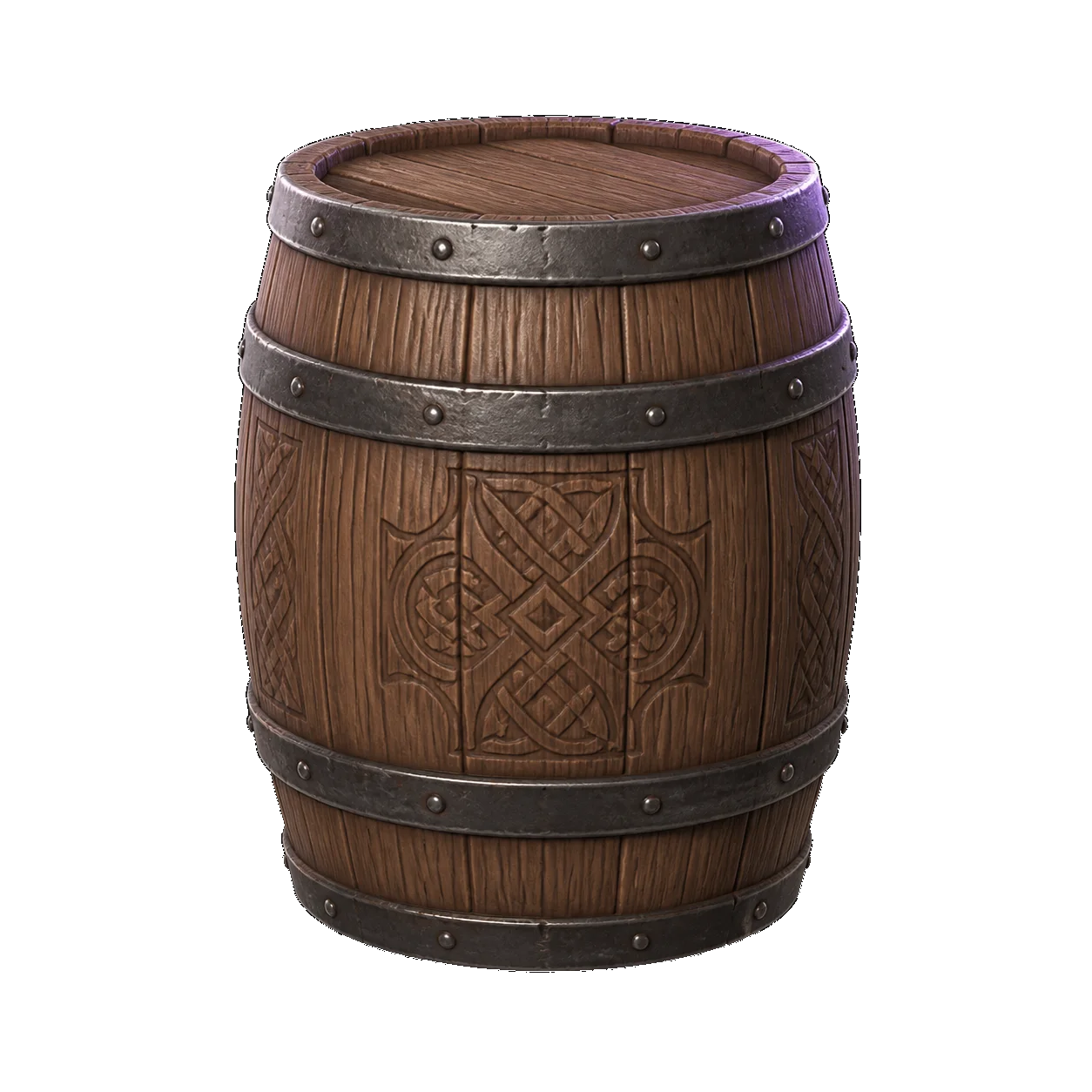
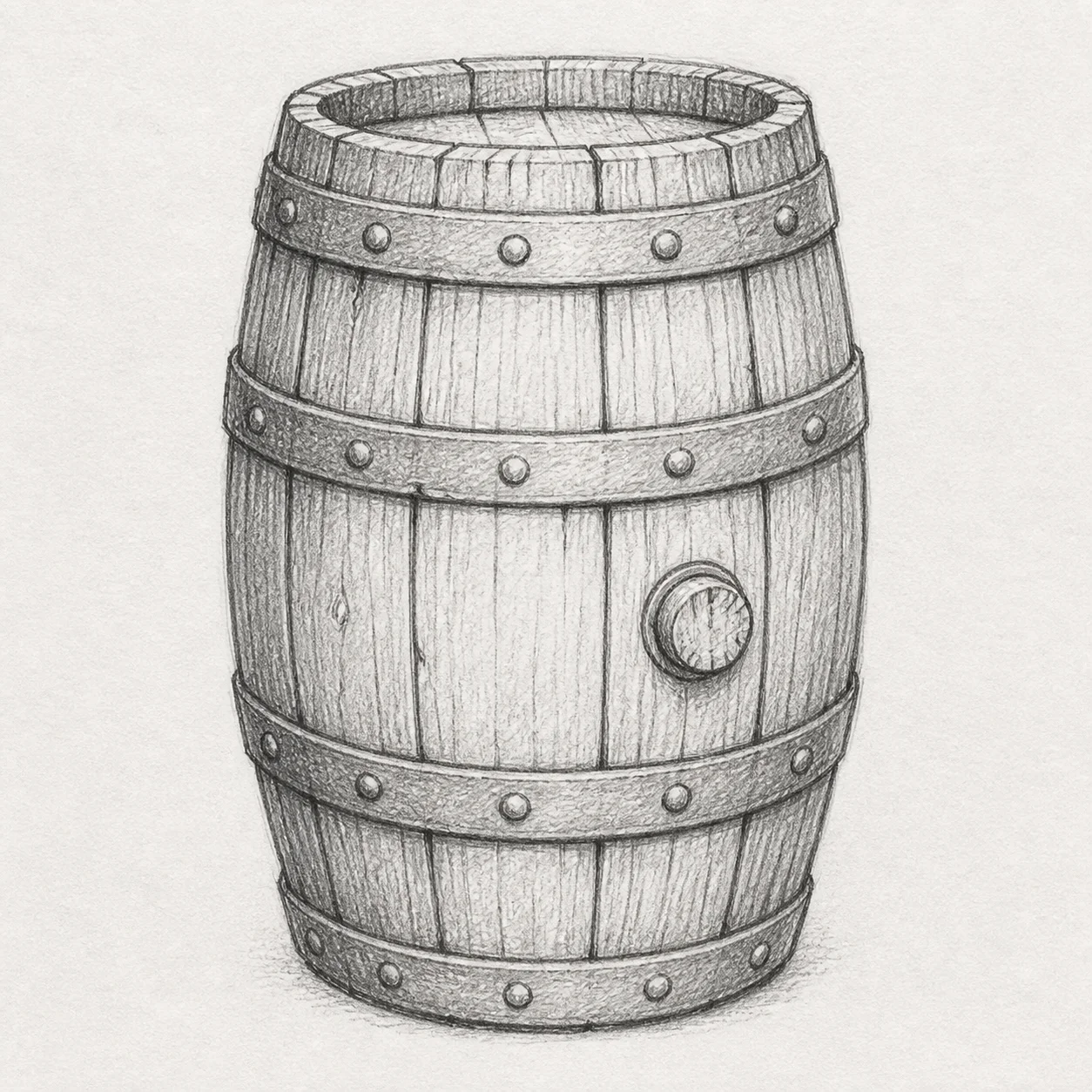
GLB, OBJ, STL, PLY, 3MF, DAE and USDZ, converted in your browser. Learn more
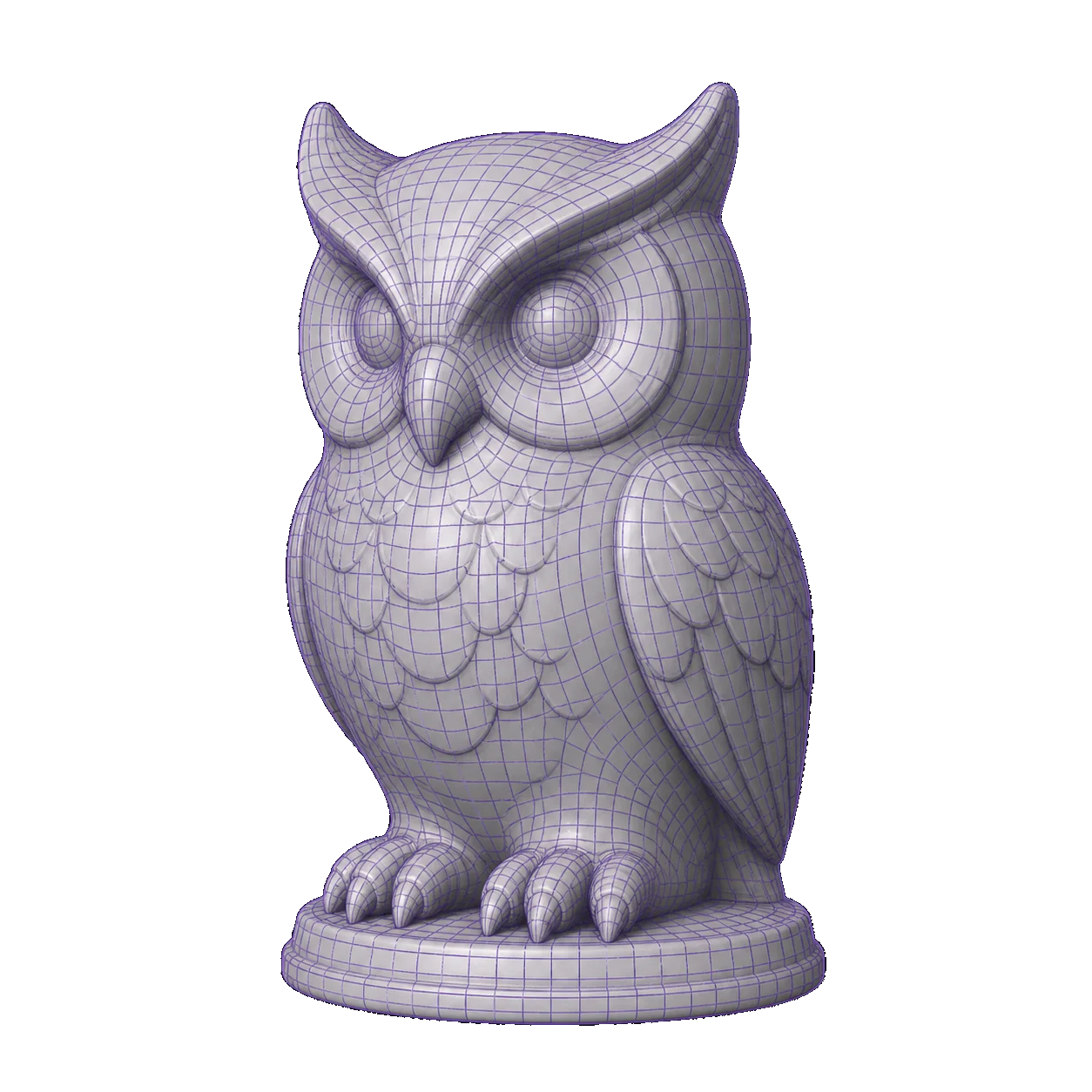
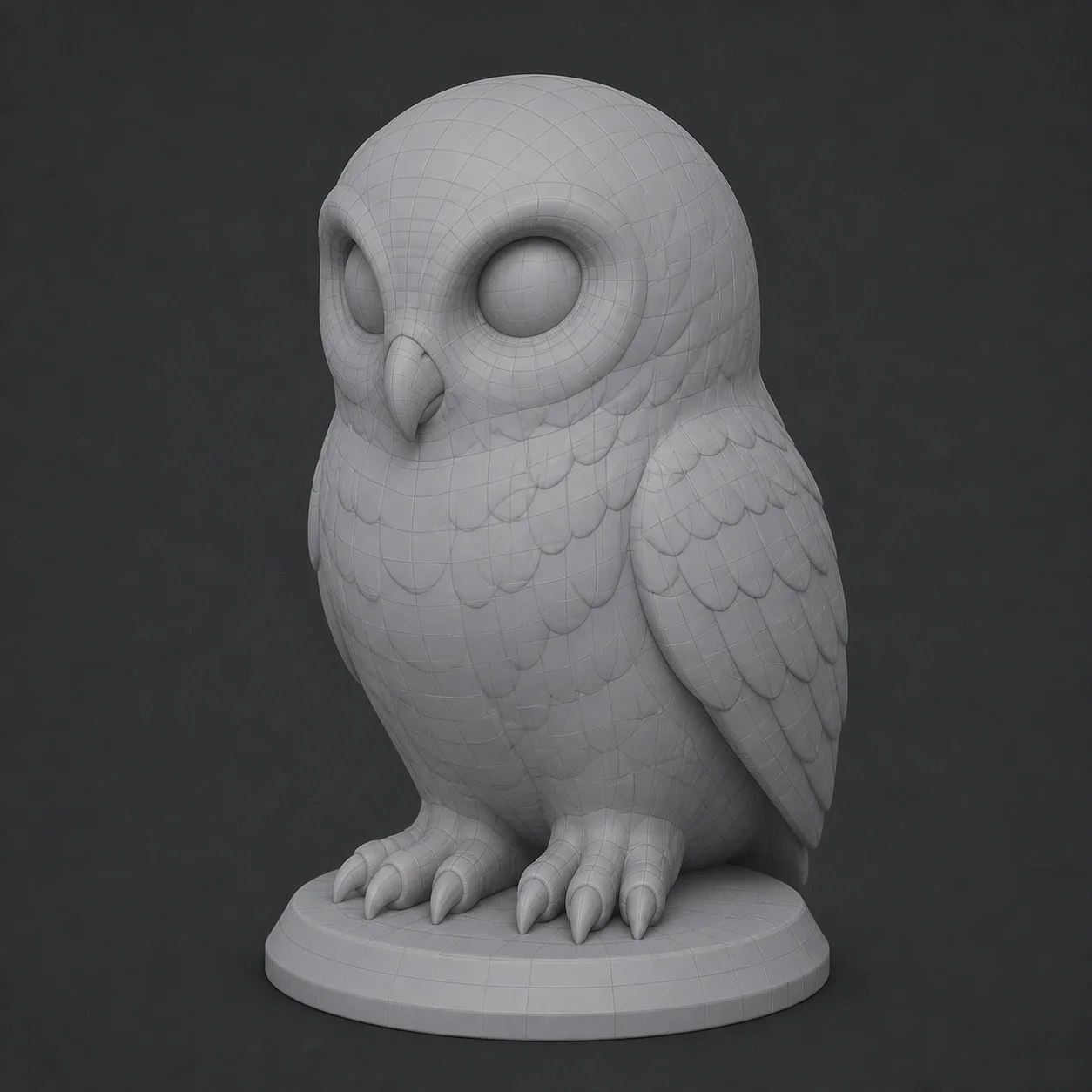
Every model exports as a clean .glb — drop it into Blender, Unity or a slicer. Learn more
Plus a browser-side toolkit — GLB viewer, format converter, mesh decimate and background remove.
Every model here was created with 3D AI Studio, free and anonymously. Some are textured, some are raw grey meshes, because that is what the engine actually returns. Click any thumbnail to open the generator and make your own.
No dashboard to learn and no settings to get wrong. 3D AI Studio does the work in the open, and you approve the reference image before the mesh is built.
One sentence of text, or a single JPG, PNG or WebP. A clear subject on a plain background converts best — a phone photo is plenty. Crop tightly while you are at it: whatever else is in frame, a hand or the edge of a desk, can end up reconstructed as part of the mesh.
The AI drafts a clean reference shot first. Keep it, tweak the prompt, or regenerate. Nothing is charged, because nothing costs anything. Rewriting a clause here is far cheaper than repairing geometry later, and the regenerate button has no counter behind it.
.glbThe mesh is built from that image and lands in your downloads. Yours, commercially usable, no watermark and no expiry. Nothing is kept for you on our side either, so move the file somewhere permanent before you close the tab.
Real screen captures of this page's generator — the same two paths you get when you scroll back up and hit generate.
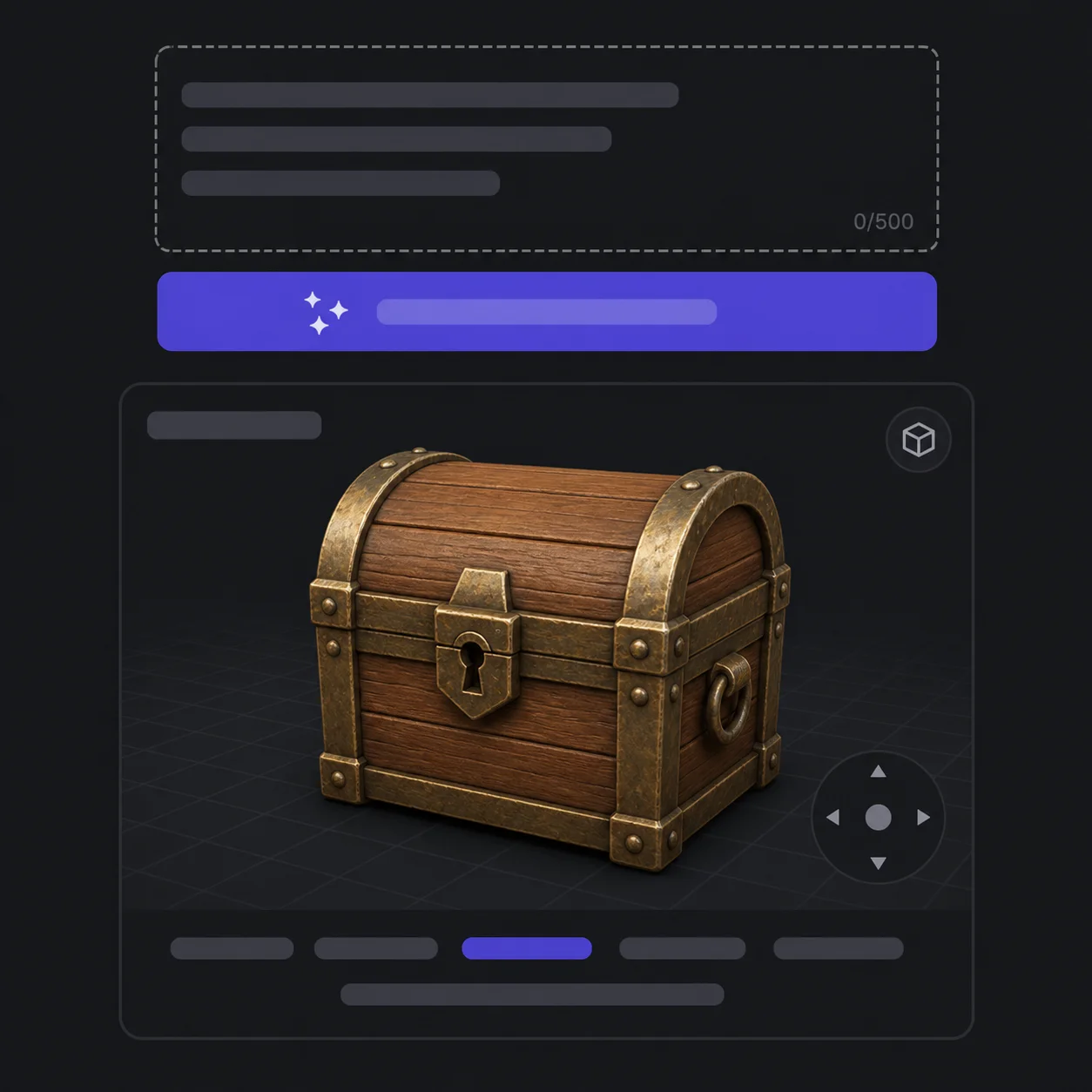
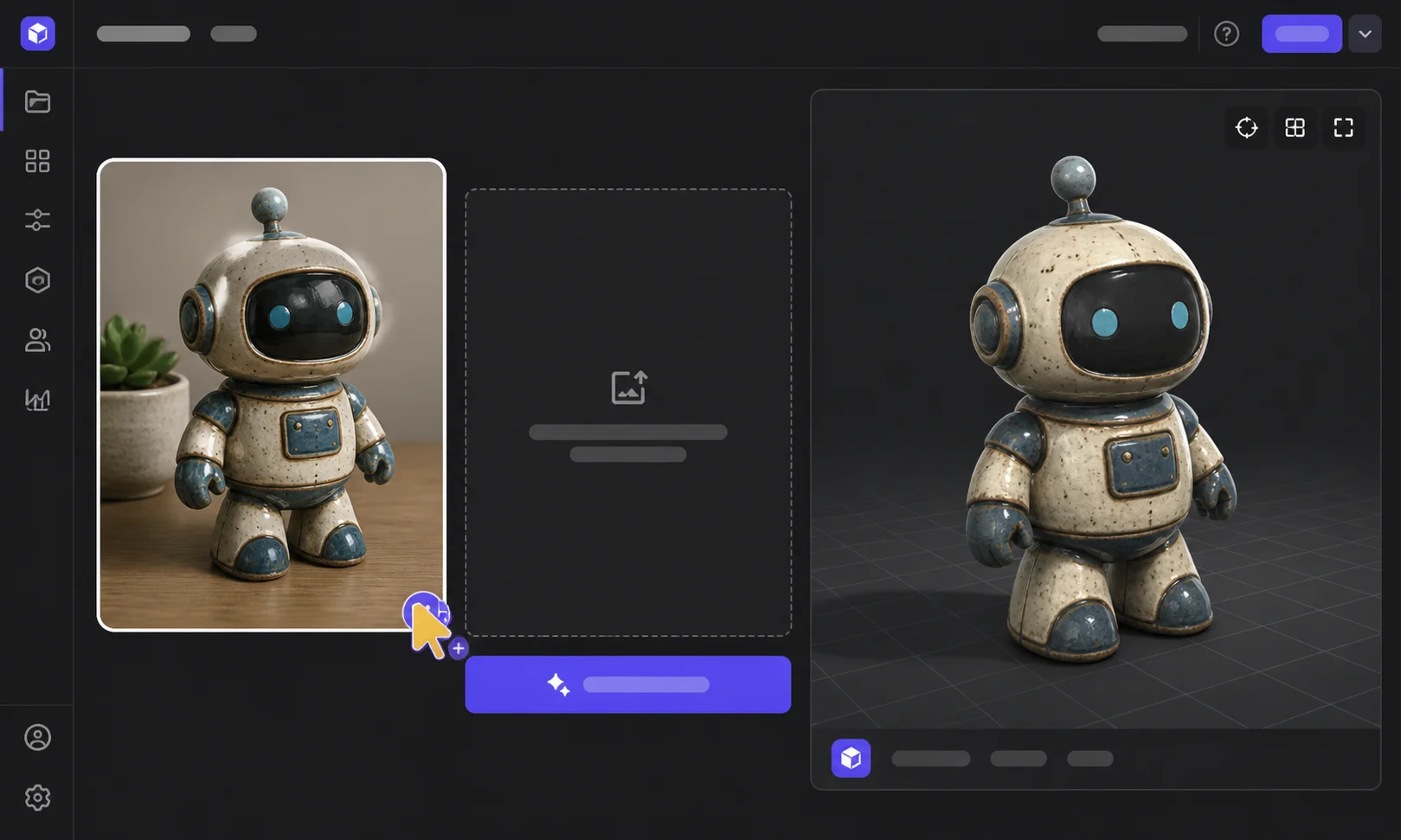
Type a sentence, approve the concept image, and take the .glb.
Most AI 3D tools hide the pipeline behind a spinner. 3D AI Studio does the opposite and prints the whole route on the page: two models, one optional editor, and a file at the end that belongs to you. Every stage is named and timed, and nothing reaches the mesh engine until you have approved the reference image it will be built from. When a result disappoints, that openness is the useful part — you can see whether the concept image was weak or the shape was simply hard to reconstruct, and fix that stage instead of re-rolling the whole job.
Your prompt becomes a clean, well-lit reference shot of a single subject. This is what makes the whole path reliable — the 3D stage never has to guess what you meant.
~6slearn moreNot quite right? Edit the concept in place — change the material, drop a limb, restyle it — instead of rolling the dice on a whole new prompt.
~10slearn moreThe confirmed image goes to Tencent's Hunyuan3D-2, which reconstructs geometry and bakes a texture set. Out comes a downloadable .glb.
~75slearn moreWe run one 3D engine, not twenty. No engine picker, no per-model pricing table, nothing resold — just the one image-to-mesh model we think is the best free option today, kept current. Compare it with the rest on the comparison pages.
From tabletop miniatures to storyboards, the same free generator feeds every pipeline. A prop for a game jam, a printable keepsake, a stand-in asset that stops a design review stalling on “imagine a chair here” — 3D AI Studio is built for the jobs where you need a usable mesh in the next few minutes, not a finished hero asset next week.
 Game Development
 3D Printing
 Product Design
 Film & Animation
 Education
 VR / AR
 Interior Design
What used to take a weekend of blocking, retopology and UV work now takes the length of a coffee refill. Type a sentence or upload one image, approve the concept, and a textured mesh lands in your downloads — production-ready, commercially usable, and free every single time. No trial, no credit meter counting down while you iterate. Iteration is the point: 3D AI Studio is at its best when you treat the first mesh as a draft, change one clause in the prompt, and run it again while the previous result is still open in a tab.

Turn 2D images, sketches or illustrations into 3D models. Upload one reference and get a textured, export-ready 3D model. Try now or learn more.

Create 3D models from text descriptions. Type what you want and get a textured model ready for use. Try now
Fix the reference before you spend a 3D job on it — restyle the material, change the silhouette, clean the background. Try now
GLB in, anything out: OBJ, STL, PLY, 3MF, DAE, USDZ. Conversion runs client-side, so the file never leaves your browser. Learn more
Check the topology, then take the file. No expiring links, no library behind an account. Learn more
One sentence in, a .glb out, about ninety seconds later. Nothing to sign, nothing to spend — 3D AI Studio is already open at the top of this page.
Three promises, and they are the whole product. Everything else on this page exists to make them true — and each one is something you can check yourself in the time it takes 3D AI Studio to finish a single mesh.
No email, no OAuth, no dashboard, no “confirm your account”. A Turnstile check proves you are human and you are in — that is the entire onboarding.
Nothing is metered and nothing is stamped on your mesh. Regenerate the concept ten times if the first nine are wrong; the counter you are watching does not exist.
A clean .glb with a baked texture set that opens in Blender, Unity, Unreal, Three.js and every common slicer — and converts to STL or USDZ in one click.
We are new, so we have no quotes to show you — and we are not going to invent any. Here is what the tool does instead, all of it verifiable in the ninety seconds it takes to run one prompt.
About six seconds for the concept image from z-image-turbo, then a little over a minute for Hunyuan3D-2 to build the mesh and bake the texture. The progress line is real job state from both backends.
GLB and GLTF come straight out of the engine. OBJ, STL, PLY, 3MF, DAE and USDZ are converted in your browser — the file is never uploaded a second time.
No email, no card, no dashboard, no metering, and nothing stamped on your mesh. A Turnstile check is the whole onboarding, and the output is yours to use commercially.
One named 3D engine — Tencent's Hunyuan3D-2 — with z-image-turbo for concepts and flux.2 for concept edits. No engine picker, nothing resold.
Native export is .glb. Everything else is a client-side conversion that happens in your browser — the file is never uploaded twice. That matters when the mesh is for a client or an unreleased product: once the download lands, converting it never sends it back over the wire.
What you get is an honest description of a generated mesh: a watertight-ish triangle mesh with one texture set, typically 40k–120k triangles. It is not rigged, not quad-topologised, and not UV-unwrapped by hand. For most game props, printed miniatures and product mockups that is exactly enough; for a hero character you will still retopologise.
Converters, tool pages and model explainers for the jobs people bring to 3D AI Studio most often — a slicer that only reads STL, an engine that wants OBJ, a scene that needs USDZ.
Yes — genuinely free, with no trial period and no card. There is no paid tier to upsell you to, so nothing is deliberately crippled. We pay for the GPU time; you pass a Turnstile check so bots do not, and that is the whole arrangement.
No. There is no signup, no login and no dashboard anywhere on this site. Generation is anonymous: type a prompt, pass the human check, download the file. Because 3D AI Studio has no accounts, there is also no saved library waiting on your next visit — download the .glb while you have it.
Open the Image to 3D tab, drop in one JPG, PNG or WebP, and hit generate. The image-to-3D path skips the concept stage and goes straight to the mesh engine. A single clear subject on a plain background gives the cleanest geometry.
About 90 seconds end to end: roughly six seconds for the concept image, then a little over a minute for the mesh and texture. The progress you see is real job state from both backends, not a timer pretending to be one.
You get a .glb — geometry and texture in one file, the format Blender, Unity, Unreal and Three.js all read natively. From there our browser-side converter turns it into OBJ, STL, PLY, 3MF, DAE or USDZ without a second upload.
Tencent's Hunyuan3D-2 builds the mesh and bakes the texture. Concept images come from z-image-turbo, and flux.2 handles optional concept edits. Those three are the entire stack behind 3D AI Studio: one 3D engine, named openly, with no fourth model hidden behind the button.
Yes. Anything you generate is yours to ship — in a game, a client render, a product listing or a printed run. We claim no rights over your output and stamp no watermark on it. Do check that your input image is yours to use.
For miniatures, props and decorative pieces, yes — export to STL and slice as normal. Expect to run a repair pass for thin features or floating shells, and to scale in your slicer: generated meshes carry no real-world units. Functional parts with tolerances still want CAD.
JPG, PNG and WebP, up to roughly 10 MB. Photos, renders, sketches and flat illustrations all convert. Resolution matters less than clarity: one subject, in frame, on a plain background, beats a 4K photo of a cluttered desk.
No watermark and no credit balance. There is a fair-use rate limit per visitor so one script cannot take the GPUs hostage, and at genuinely busy moments a job may wait a few seconds — the status line tells you when that happens instead of hiding it.
Still unsure? The fastest answer is to generate one 3D model — it costs nothing and takes ninety seconds. 3D AI Studio asks for no email before it will show you what it can do, so the honest way to judge it is on your own prompt rather than on one of ours.
Skim the pipeline, the formats, or an example — or just run one and see.
It takes one sentence. No signup, no credits, no watermark.
FreeNo signupNo watermarkDownloads as .glb
Need a full 3D workspace — saved projects, higher-res meshes, batch jobs? 3D AI Studio deliberately does none of those, and we would rather point you at a tool that does.
See the full workspace