
Hunyuan3D-2, the Engine Behind Every Mesh Here
Hunyuan3D-2 is Tencent's open-weight 3D generation model, and it is the only thing on this site that builds geometry. Every .glb you download came out of it — free, anonymous, and with no watermark.
What Hunyuan3D-2 actually does
Give it one clear picture of one object and it returns that object as a 3D mesh, with the texture already baked on. That is the whole job. It is image-conditioned, not text-conditioned — which is why a text prompt on this site becomes a concept image first, and the picture is what the 3D engine really works from.
Tencent published the weights, so anyone with GPUs can run it themselves. That is exactly what we do: the model runs on our own hardware, which is why a generation here costs you nothing and needs no account. There is no third-party 3D vendor in the loop and no per-model licence being resold to you.
It is worth being blunt about the category. A generative 3D model is a very good way to get from an idea to a solid, textured object in about ninety seconds. It is not a replacement for a modeller, and this page will not pretend otherwise.
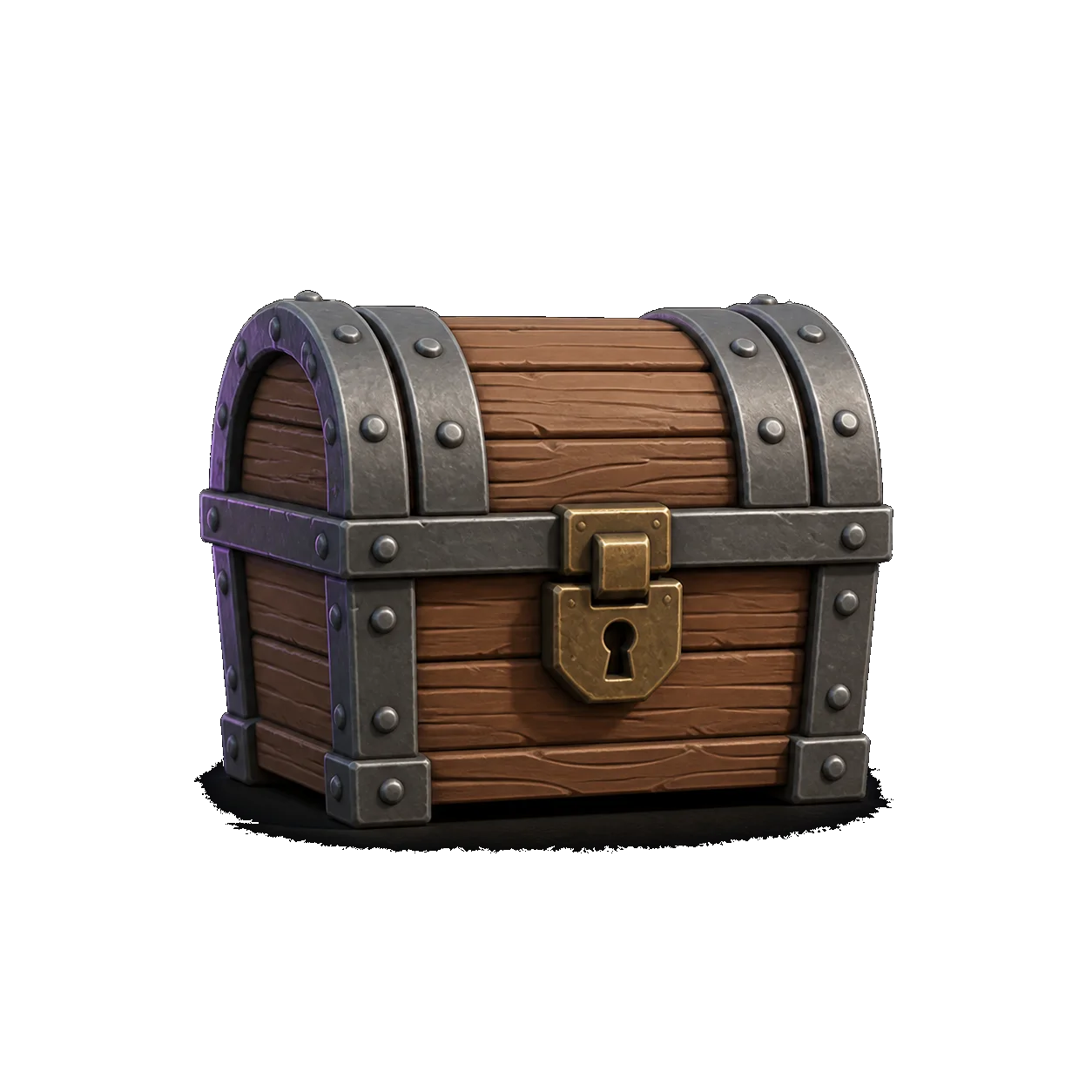
.glb from this site.Hunyuan3D-2 at a glance
Everything below describes how the model behaves as we run it. Where a number varies with the input, it says so.
| Developer | Tencent Hunyuan, released with open weights |
|---|---|
| Task | Single image to textured 3D mesh |
| Input here | Your uploaded image, or a concept image drawn from your text prompt |
| Output | .glb — triangle mesh plus one baked texture set, in one file |
| Typical mesh size | Roughly 40k–120k triangles, depending on the subject |
| Typical time | About 90 seconds end to end, concept image included |
| Rigging | None. The mesh is static; rig it yourself if you need animation |
| Topology | Triangles, machine-generated. Not quads, not hand-retopologised |
| Price here | $0 — no account, no credits, no watermark |
| Commercial use | Your output is yours to ship; we claim no rights over it |
Times and triangle counts are what this deployment produces on ordinary prompts; a very complex subject sits at the top of both ranges.
Why 3D AI Studio runs Hunyuan3D-2 and nothing else
One engine, named openly, is a design decision rather than a limitation. Here is the reasoning.
Fast enough to iterate
A little over a minute for the mesh means you can throw away a bad result and try another angle without it feeling expensive. Nothing here is metered, so there is no reason not to.
Texture comes baked
The colour arrives with the geometry in one .glb, so the model looks finished the moment it opens in Blender or a web viewer — no separate texturing pass to run.
We can run it ourselves
Open weights on our own GPUs is what makes free, anonymous generation possible. A resold API would come with a per-call cost, and that cost would land on you as an account.
You know what ran
There is no model picker hiding a routing layer. Every mesh on this site came from this engine, so a result you like is reproducible tomorrow.
From your prompt to a finished file
Four stages. The middle two are the only ones that touch a GPU, and you approve the hand-over between them.
Text to 3D or image to 3D
Type a sentence, or drop a photo. Image to 3D skips straight to the mesh stage; text to 3D needs a picture first.
Concept image
z-image-turbo draws your prompt in about six seconds. You keep it, redraw it, or edit it with flux.2.
Mesh and texture
Hunyuan3D-2 turns that one image into geometry and bakes the texture onto it. This is the slow step, and the progress you see is real job state rather than an animation.
Download the .glb
Take the file. Convert it to STL, OBJ or USDZ in your browser if the next tool needs something else.
What Hunyuan3D-2 is good at, and what it is not
Knowing the failure modes in advance is what makes the ninety seconds worth spending.
Good at
- Single objects with a clear silhouette. Props, toys, figurines, tools, furniture, vehicles — anything you could photograph on a table.
- Stylised and low-poly-ish subjects. Game props and decorative pieces land closest to what you pictured.
- Getting a shape on screen fast. As a blockout to sculpt over, it is far quicker than starting from a cube.
- Printable decoration. Convert to STL, run a repair pass, and miniatures and ornaments come out well.
Not good at
- Whole scenes. One image, one object. A room full of furniture comes back fused into a lump.
- Text, logos and fine lettering. Small type on a surface turns to mush at mesh resolution.
- Engineering parts. No real units and no tolerances — a bracket that must fit something still wants CAD.
- Clean topology for animation. Machine triangles, not edge loops. A hero character needs retopology before it is rigged.
The input image decides almost everything. One subject, in frame, evenly lit, on a plain background beats a higher-resolution photo of a cluttered desk every time. If a result disappoints, fix the picture before you rewrite the prompt.
The three models we run
That is the complete list. There is no fourth model behind the button and no vendor being resold.
Hunyuan3D-2
The mesh engine. Turns one image into a textured 3D model and bakes the texture on.
You are herez-image-turbo
Draws the concept image from your text prompt in about six seconds, so text to 3D has something to build from.
Read the specflux.2
Optional concept edits — change the pose, the angle or the material before you commit the picture to the 3D engine.
Read the specMake a 3D model right here
You do not have to go back to the home page. Type a prompt or drop an image, and take the .glb — free, anonymous, no watermark.
Hunyuan3D-2 — frequently asked questions
Tencent's open-weight 3D generation model. It takes a single image of an object and produces a textured triangle mesh of that object. On this site it is the only engine that builds geometry — every 3D model you download here came out of it.
Yes. No account, no credit balance, no watermark and no paid tier waiting behind it. We pay for the GPU time; you pass a Turnstile check so scripts do not take the queue hostage. That is the entire arrangement.
About ninety seconds end to end: roughly six for the concept image and a little over a minute for the mesh and texture. Image to 3D is faster, because it skips the first step entirely.
No — it is image-conditioned. Text to 3D on this site means your sentence is drawn as a concept image by z-image-turbo first, and that picture is what the 3D engine builds from. It is also why you get to approve the concept before the slow step runs.
A .glb holding a triangle mesh and one baked texture set, usually somewhere between forty and a hundred and twenty thousand triangles. Not rigged, not quad-topologised, not hand-unwrapped. For a game prop or a printed piece that is enough; for a hero character you will retopologise.
For miniatures, props and decorative pieces, yes. Convert the .glb to STL and slice as usual, expecting a repair pass for thin features and a rescale — generated meshes carry no real-world units, so the first import is rarely the size you wanted.
Three in total: Hunyuan3D-2 for the mesh, z-image-turbo for concept images, flux.2 for optional concept edits. We do not resell other 3D vendors, and we do not claim to run engines we have never deployed.
Want to see the output before you commit?
Generate one, then open the .glb in the free viewer and read the triangle count yourself.
Ready to try Hunyuan3D-2?
One sentence or one photo, ninety seconds, and a .glb that is yours. No signup, no credits, no watermark.
FreeNo signupNo watermarkDownloads as .glb